
Recipe image not loading
If a recipe image is missing, shows a broken icon or only shows in part, work through the checks below.
Only part of the image shows
This is the crop, not a fault. The recipe card crops the photo to fill its frame, keeping the center, so a square or tall photo shows only its middle strip.
Upload a landscape photo at 1200 x 800 pixels with the dish in the center. Recipe images, sizes and alt text has the frame for each card design.
No image at all
Check the recipe has an image
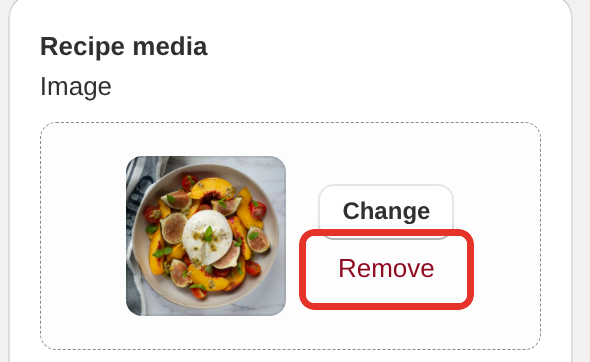
Open the recipe in Recipe Kit and look at Image in the Recipe media card. If an upload failed, the recipe saves without an image rather than refusing to save.
Upload it again
- Open the recipe in Recipe Kit.
- In the Recipe media card, click Remove beside the image.
- Click Upload new photo and choose the file.
- Wait for the preview to appear, then click Save.
Check the file
Recipe Kit accepts JPEG, PNG, GIF and WebP files up to 10MB. Other formats are refused with "Please upload a valid image file (JPEG, PNG, GIF, or WebP)". iPhone HEIC photos are not accepted, so export them as JPEG first.
Hard refresh the page
Press Ctrl+Shift+R on Windows or Cmd+Shift+R on a Mac. Browsers can keep showing an old, missing image until you do.
The image shows in Recipe Kit but not on your store
Check the recipe is published and linked
The recipe needs to be Published and connected to the blog post you are looking at. If the whole recipe card is missing, not just the image, see Recipe status and visibility.
Check your custom CSS
A custom CSS rule that hides or resizes the recipe image will do this. Remove your custom CSS for a moment and reload the page to test.
Check your theme's lazy loading
Some themes delay loading images they did not place themselves. That can leave the recipe image blank until you scroll past it and back.
Images imported by CSV
In a CSV import, the recipe_image column needs a full image URL that anyone can open. Recipe Kit downloads the image and uploads it to your Shopify store.
If the URL needed a login, was blocked, or did not exist at import time, the recipe imports without the image. Fix the URL and import again with Update existing recipes ticked.
An image URL that is already on Shopify's CDN is used as it is, not copied. If you copied recipes from another store, those images still live on that store and break if it deletes them.
Still broken
Contact support with a link to the blog post and the recipe name, and we will take a look.
What's next
- Recipe images, sizes and alt text covers sizes, cropping and file formats.
- Recipe card has a bug or looks odd? covers general display problems.
- Bulk recipe import and export covers the CSV image columns.