
Add-ons
Add-ons are one-time purchases where the Recipe Kit team does a job for your store, such as importing your recipes. You pay once, and the charge is not added to your monthly plan.
Add-ons can be bought on every plan.
- Pay once, with no time limit
- Keeps working when you change plan
- Billed through Shopify, on your next Shopify bill
Find the add-ons
- Open Recipe Kit and go to Settings.
- Scroll to the bottom and click View Addons on the Recipe Kit Addons card.
The Recipe Kit Add-ons page opens, with one card for each add-on.

Related Recipes Section
$30 USD, one time.
The Recipe Kit team adds code to your Shopify theme that shows related recipe blog posts in a grid below your recipe card.
After you buy it, the team gets in touch by email to ask for your theme details, then installs the code for you.
Before you buy, try the free options. The free Recipe List block also shows related recipes. Add it below the recipe card on your blog post template, and on a blog post it picks related recipes on its own, or set its Source to Related recipes. See Add a recipe list to any page. Many Shopify themes also have a related posts feature of their own, so check your theme settings too.
Recipe Import Service
$110 USD per 35 recipes, one time.
The Recipe Kit team moves your existing recipes into Recipe Kit by hand. It suits stores moving from WordPress, another recipe app or another website. For a different number of recipes, contact support for a quote.
See Manual recipe importing service for what is included, and for the free import options worth trying first.
Buy an add-on
- Open Recipe Kit and go to Settings, then click View Addons at the bottom.
- On the add-on you want, click its purchase button: Purchase Related Recipes Add-On ($30 USD) or Purchase Recipe Import Add-On ($110 USD).
- Shopify asks you to approve the one-time charge. Approve it.
- Recipe Kit opens the Add-on Purchase Successful page. The Recipe Kit team is told about your purchase and emails you within 24 to 48 hours to start the work.
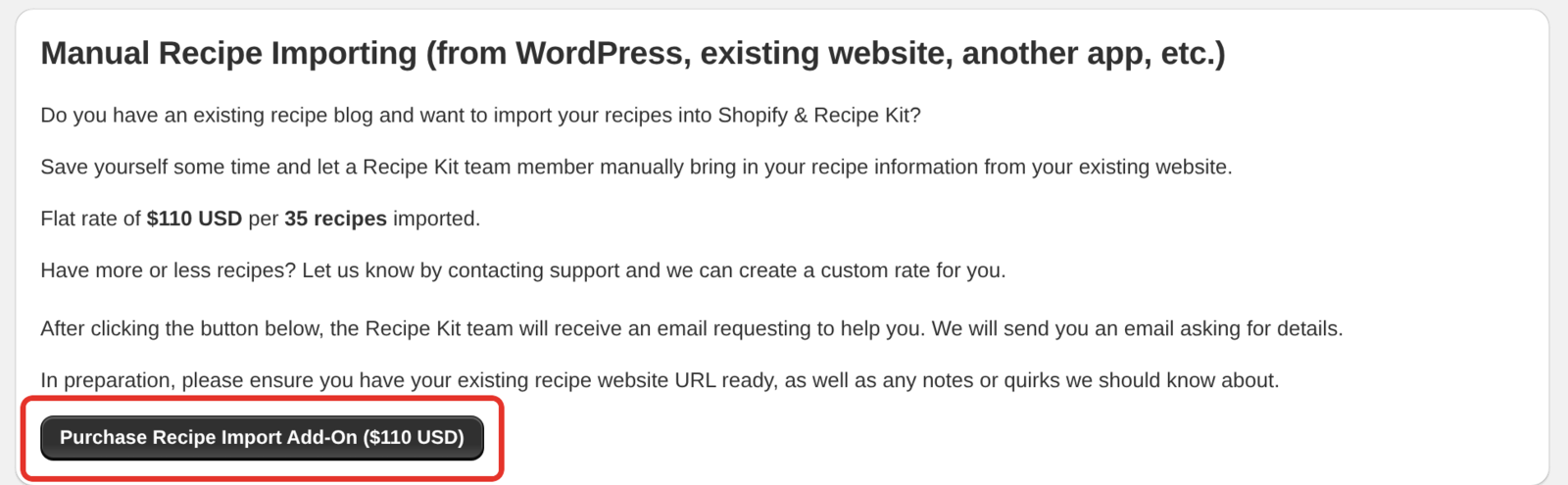
Have your current recipe website address ready, plus anything unusual we should know about.
What's next
- Manual recipe importing service explains what the import service covers.
- Add a recipe list to any page shows related recipes for free.
- Subscription plans compares what each plan includes.