
Recipe directions
Directions are the part of the recipe someone reads with their hands full. They are also what Google reads when it shows your recipe as a step-by-step result.
Directions and step titles are available on every plan. Step photos are part of the Growth plan. Compare plans on the Recipe Kit app listing.
Add steps
- Open the recipe in Recipe Kit.
- In the Directions card, click Add direction.
- Type the step. Press Enter to start the next one.
- Click Save.
One step per row. If you paste a method with one step per line, each line becomes its own step. The card numbers the steps for you, so delete any step numbers that came with the paste.
Drag rows to reorder them. Click Add group heading to split a long method into stages, such as "Prep", "Bake" and "Assemble".
Add step titles for search engines
Each step can have a short title that goes into your recipe schema. Google shows it when it walks a searcher through your recipe one step at a time. "Cream the butter and sugar" reads far better there than the first eight words of the instruction.
- Open the recipe in Recipe Kit.
- Click SEO Fields at the top of the Directions card.
- Type a title in the HowToStep name: box under each step.
- Click Save.
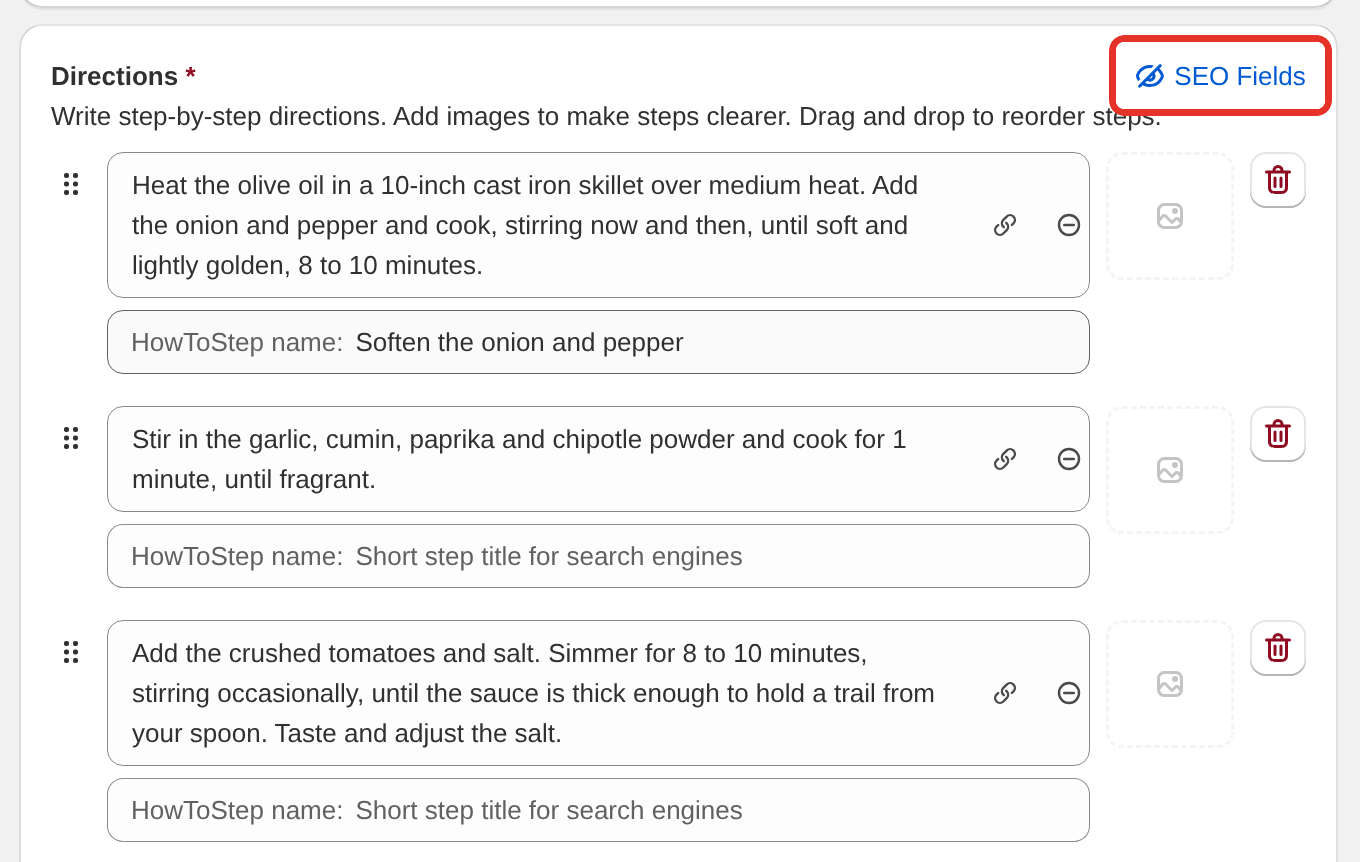
Steps without a title go into the schema as "Step 1", "Step 2" and so on. Keep titles to a few words, and only spend the time on recipes you want to rank.
Step photos
On the Growth plan, each step has an image tile beside it. Click it to choose or upload a photo, or drag a photo onto it. On other plans the tile is replaced by "Upgrade to upload images".
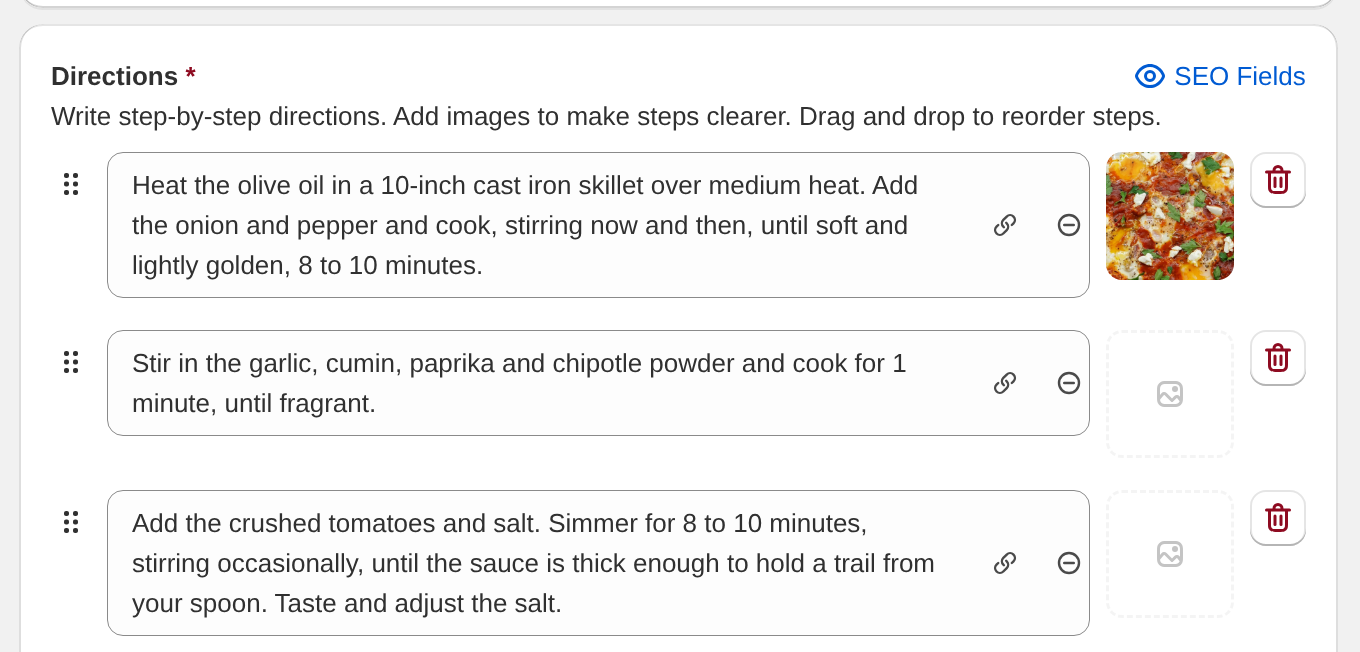
Photos go into your schema with their step. Step-by-step photos covers them in full.
Writing steps that work
Start with a verb
Preheat. Mix. Fold. Pour. Bake. A step that starts with the action is quicker to follow when you look up from a mixing bowl.
One action per step
Good:
- Preheat the oven to 350F (175C).
- Mix the flour, sugar and baking powder in a large bowl.
- Add the eggs and milk, stirring until just combined.
Not good:
- Preheat oven to 350F, then mix flour, sugar, baking powder in a bowl, add eggs and milk and stir.
The second version is four steps in one. Someone cooking from it loses their place.
Put the specifics in
- Temperatures in both scales if your readers use both
- Times, and say what kind: "bake for 25 to 30 minutes"
- Pan sizes: "in a 9x13 inch dish"
- What it should look like: "until the edges are golden and the center still wobbles"
Doneness cues matter more than times. Ovens vary, and "until a skewer comes out clean" works in any kitchen.
Keep the story out
Stories, substitutions and make-ahead tips belong in the Notes card, which shows below the directions. A step should be an instruction and nothing else.
How many steps
Five to fifteen steps suits most recipes. Over twenty, look for steps that are really one action split in two. Under four, you have probably packed several actions into each.
Cook Mode
Cook Mode shows the directions in larger text and hides most of the rest of the card, so a reader can follow along from across the kitchen. Steps written one action at a time make that view useful. See Cook mode.
What's next
- Step-by-step photos covers adding a photo to each step.
- Recipe ingredients covers the other half of the recipe.
- Google recipe schema covers what search engines do with your step titles.